
A simple yellow lowercase Greek letter mu (μ) centered on a white background; no other text visible. Vibe Coding MicroApps

Build a shareable microapp tonight.

Start with a ready template, follow an easy checklist, and send one link people can use. Level 1 takes 2–4 hours.

Tonight’s 3-step plan
Level 1
1
Pick a template
2
Fill in your numbers or steps
3
Share the link

If you have a workflow in your head, a calculator in a doc, or a demo you keep re-explaining, turn it into a small microapp you can share as one clean link. No “developer stuff” required, just pick, fill in, share.
Hero illustration in a paper-cut style featuring a results card with colored bars and the word “Result,” a checklist with three checked items, a large clock showing nighttime with a crescent moon and stars, and a URL bar reading “www.example.com” on a light purple background—suggesting reporting, task completion, and time-based scheduling.
Average 4.9★ (from a recent imported sample of 58 Google reviews)
Wicked C.

“The product quality and rapid response is beyond words… he will go above and beyond.”

Read on Google
9ofalltrades

“He helped me automate parts of my business that used to take hours… saving me so much time and effort.”

Read on Google
Dirk P.

“Always one step ahead… and always an open ear when it comes to support.”

Read on Google

What you can build first

Pick one small thing you can finish tonight, then improve it later.

ROI calculator

people can play with, instead of reading a wall of text

Interactive demo

that guides someone through “how it works”

Workflow helper

that turns your process into a simple set of steps

You are not building “a big product.” You are building a small tool that makes your next message easier to understand.
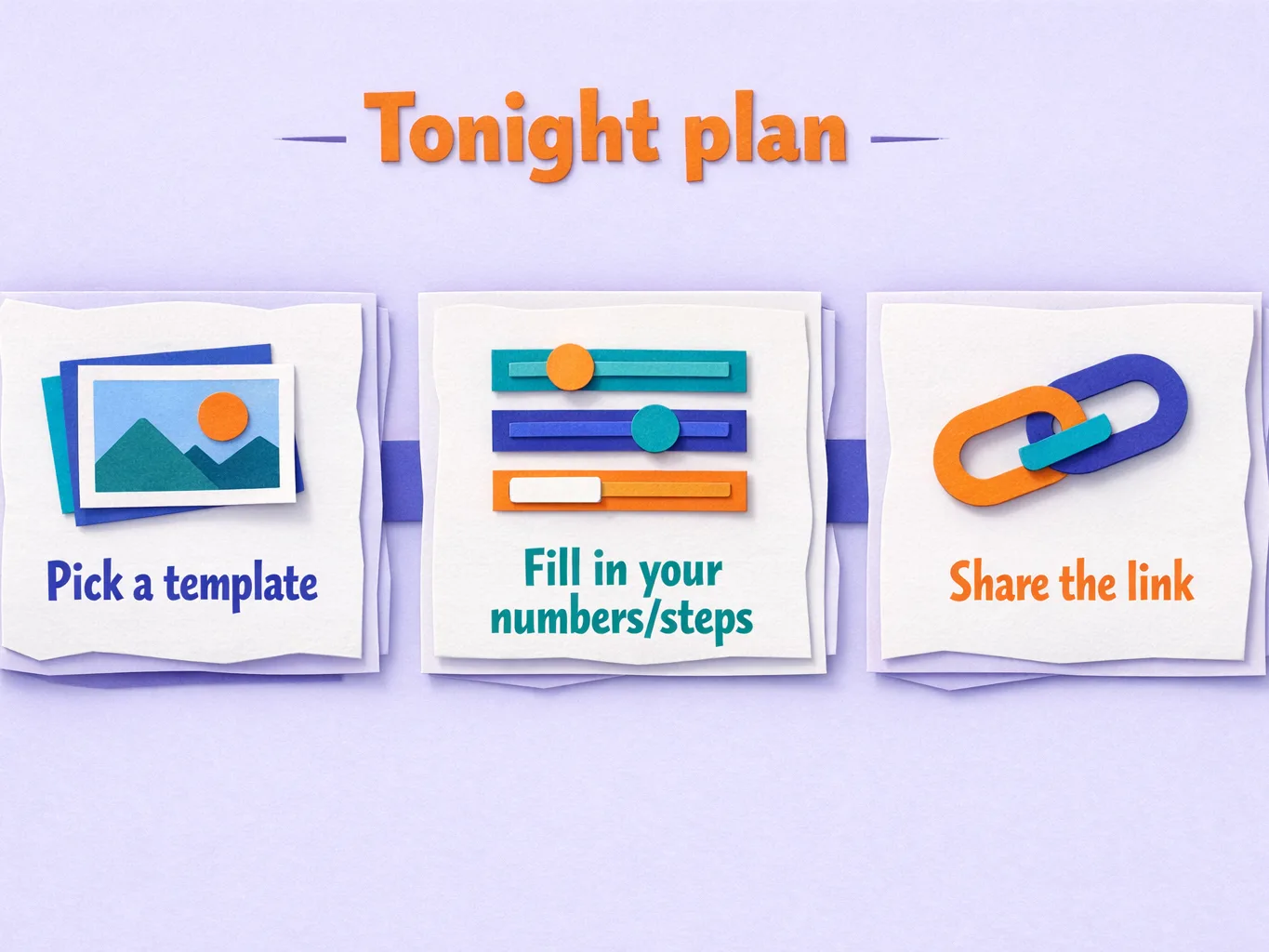
Your tonight plan, already laid out

Paper-cut style infographic on a light purple background titled "Tonight plan" showing a three-step process with icons: "Pick a template" (stacked photo cards), "Fill in your numbers/steps" (sliders), and "Share the link" (chain link).

Step 1. Pick a ready template

You start from a working layout so you are never staring at a blank page.

Step 2. Fill in your numbers or steps

Swap in your inputs, your wording, and your result.

Step 3. Share one link

Send it to a prospect, a client, or your team so they can use it immediately.

If you have a workflow in your head, a calculator in a doc, or a demo you keep re-explaining, turn it into a small microapp you can share as one clean link. No “developer stuff” required, just pick, fill in, share.

Pick Fill in Share

The easiest way to get a real win fast

This is built for founders, operators, and sales or ops folks who want the outcome, not a new hobby.

Templates you can start from

so you move on day one

A simple playbook

for Plan, Build, Test, Share

Reusable prompts and styles

so your microapps look clean without design stress

One-click deploy for Level 1

so your first app can become a real link fast
Free hosting on MicroApp.live for Level 1 HTML apps
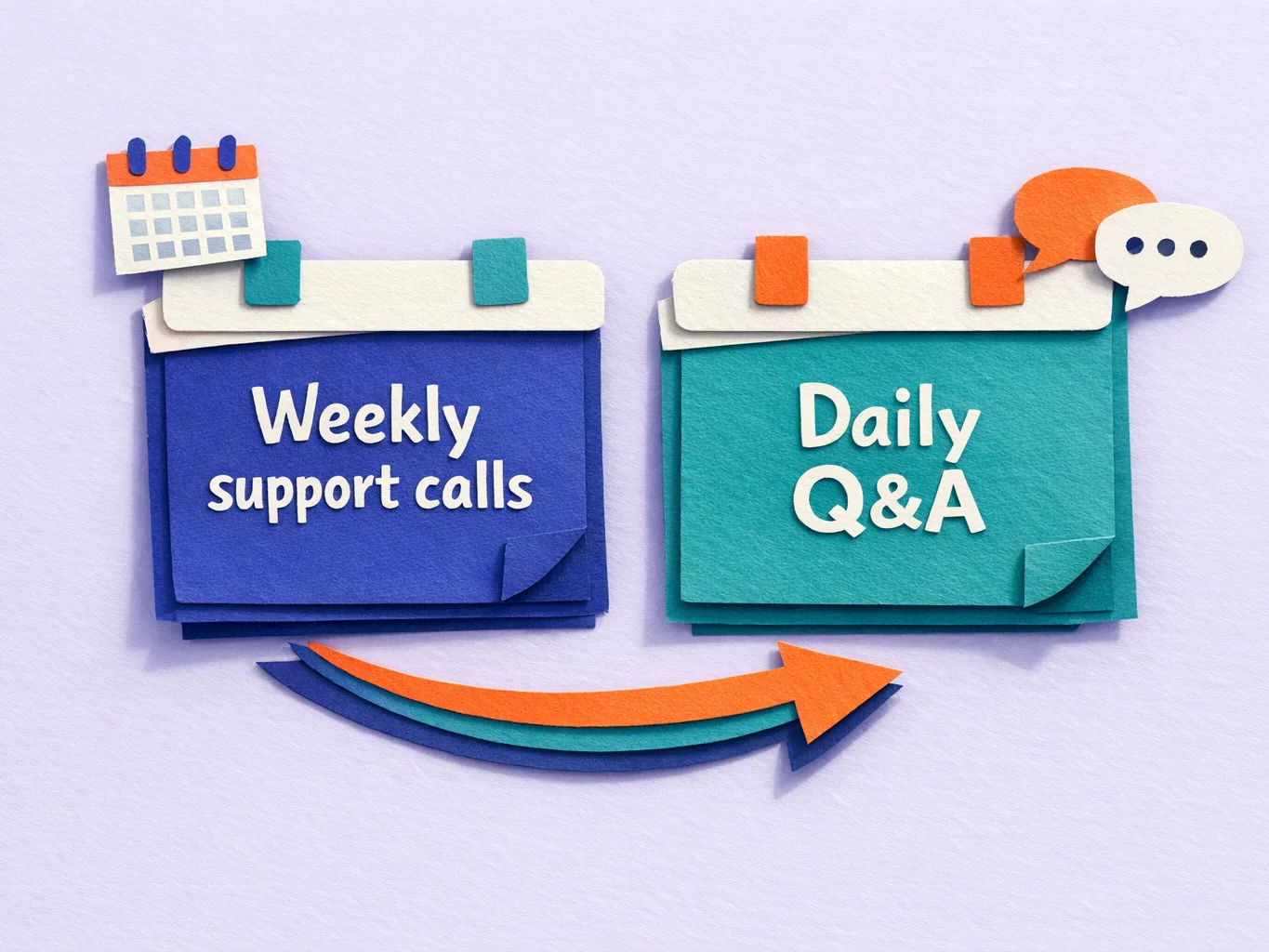
Paper-cut style illustration on a light lavender background showing two pinned note cards: a blue card labeled "Weekly support calls" with a small calendar icon, and a teal card labeled "Daily Q&A" with chat bubbles. A curved multicolor arrow beneath points from the weekly support card to the daily Q&A card, suggesting progression or added support.

Support that keeps you moving

Weekly support calls

to keep momentum

Daily Q&A with Hans

for when you get stuck mid-build

If your goal is “done tonight,” support is not optional. It is the difference between a link you can send and another tab you never reopen.

Portrait photo of an adult man wearing round black eyeglasses and a black V-neck shirt, facing the camera against a vertical wooden slat wall background. No readable text visible.

Who’s behind it

Hans Thisen

12+ years engineer and designer. 5+ years deep in AI and automation.

What you get inside Vibe Coding MicroApps

Community + course access
Plug-and-play templates

for fast microapps

Plan, Build, Test, Share playbook
Deploy guidance for Level 1
Weekly support calls
Daily Q&A with Hans
Bonus resources like n8n scripts and templates
a VPS setup guide
client-ready demo apps

Common questions

“I’m not technical. Is this still for me?”

Yes. The flow is built around templates and checklists. You pick, fill in, and share. If you can follow steps, you can finish Level 1.

“What do I build first?”

Start with a simple calculator or helper you already explain repeatedly. An ROI calculator, a pricing estimator, a qualification helper, or a “next steps” demo.

“Will I actually finish something quickly?”

Level 1 is designed for fast wins. The goal is a small, useful microapp you can send as a link, not a huge project.

“What happens if I get stuck?”

Ask in Daily Q&A, or bring it to the weekly support call. You are not doing this alone.

“Does MicroApp.live hosting apply to my app?”

Free hosting applies to Level 1 HTML apps.

“What’s included with the one-time payment?”

One-time payment is available as an option.

Build the small version tonight, then improve it later

You do not need perfect. You need a link.

  • Pick a template
  • Follow the checklist
  • Share one link
  • Get help when you hit a snag
Protected by a 30-day money back guarantee.
Average 4.9★ (from a recent imported sample of 58 Google reviews)
“Working with Scale By Tech has been a game-changer for my business!”
Read on Google
Note: MicroApp.live deployments apply to Level 1 HTML apps.